
https://fuelpumpexpress.com

Google Business Profile Review Outage – Latest Updates & Fixes

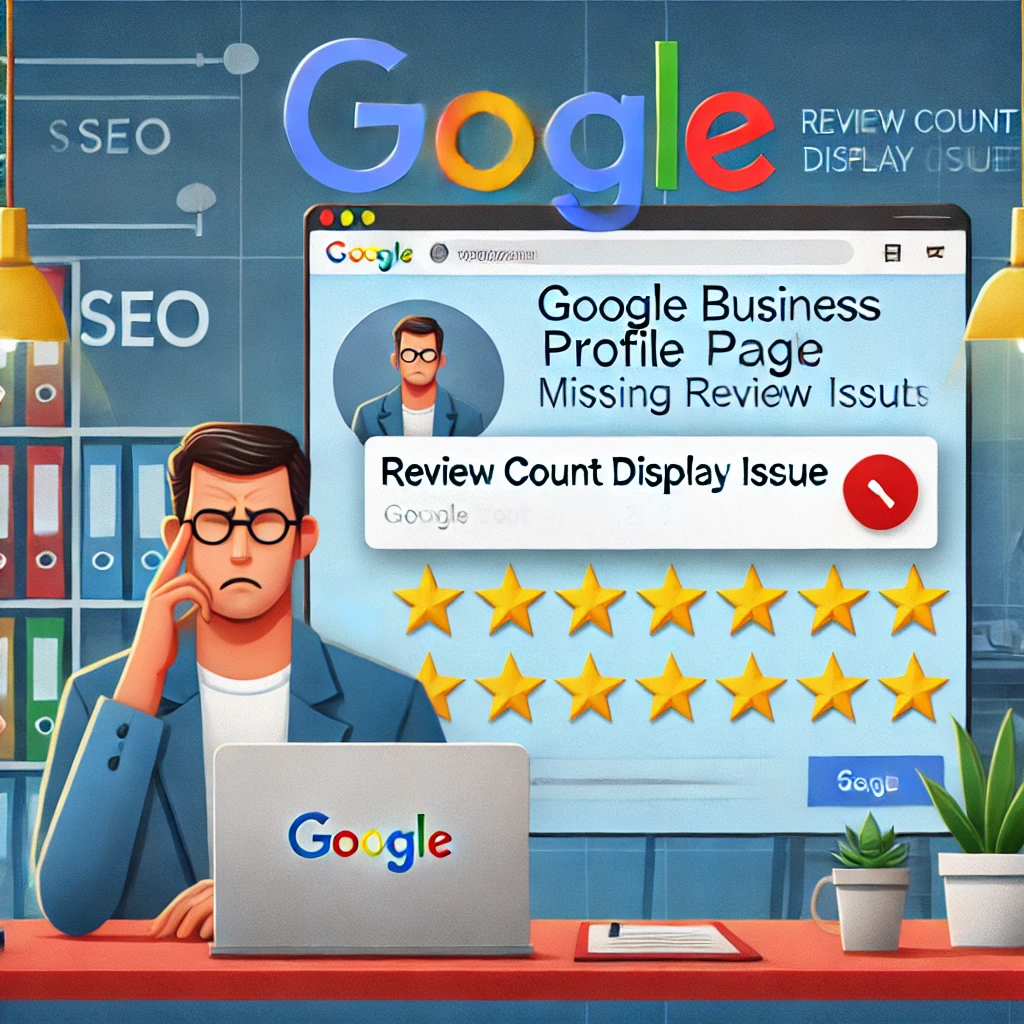
Google has confirmed a widespread Google Business Profile (GBP) review outage, causing missing or inaccurate review counts. This issue has frustrated businesses that rely on reviews for credibility and local SEO rankings. Here’s a comprehensive look at what’s happening, why it matters, and actionable steps businesses can take to mitigate the impact.

What is the Google Business Profile Review Outage?

Many GBP users have reported missing reviews, where recent customer feedback either fails to appear or shows a lower-than-actual count. However, Google has clarified that the reviews themselves have not been deleted; rather, they are affected due to a display issue.

Key Takeaways:

✅ Reviews are not lost but may not be visible. ✅ Google is actively working on a fix. ✅ Businesses should avoid re-submitting reviews for now. ✅ Missing reviews could also result from policy violations.

Why This Matters for Businesses

Online reviews are crucial for local businesses, impacting SEO rankings, customer trust, and conversion rates. Research shows that 88% of consumers trust online reviews as much as personal recommendations. A sudden disappearance of reviews can negatively impact brand credibility, customer decisions, and revenue.

Potential Consequences of Missing Reviews

📉 SEO Impact – Fewer reviews could lower rankings in local search results. 💰 Loss of Revenue – Customers may hesitate to purchase from businesses with few or no visible reviews. 🤝 Reduced Trust – A drop in review count can make a business appear less credible.

Google’s Official Statement on the GBP Review Outage

A Google representative acknowledged the issue, stating:

“We’re aware of an issue affecting some Google Business Profiles, causing some profiles to show lower-than-actual review counts due to a display issue. The reviews themselves have not actually been removed. We’re working hard to resolve this and restore accurate review counts as quickly as possible.”

Google also advised businesses to check the Google Review Policy Guidelines before reporting missing reviews, as some may have been removed due to content violations (e.g., spam, inappropriate language).

How to Fix Google Business Profile Review Outage Issues

If your business is affected, follow these steps to manage the situation effectively:

1. Verify Google’s Review Policy Compliance

Before assuming reviews are lost, ensure they haven’t been removed due to violations such as:

🚫 Spammy or fake reviews 🚫 Profanity or inappropriate content 🚫 Reviews violating Google’s policies

👉 Read Google’s Review Policy here

2. Monitor Your Google Business Profile Dashboard

Google is likely to restore missing reviews automatically. Regularly check your GBP dashboard for updates and changes.

3. Avoid Requesting Duplicate Reviews

Do not ask customers to rewrite missing reviews, as this might violate Google’s policies and result in penalties.

4. Stay Updated on Google’s Fix

Since Google has confirmed an issue, businesses should keep an eye on: 🔹 Google’s Help Center 🔹 GBP forums where users share experiences and solutions 🔹 Official Google announcements

Additional Strategies to Maintain Your Business Profile

While waiting for Google’s fix, businesses can take proactive steps to strengthen their online presence:

Upload fresh images with alt text including “Google Business Profile review outage” to maintain engagement. ✅ Embed a video tutorial on how to manage Google reviews effectively. ✅ Link to authoritative sources such as Google’s Help Center for credibility. ✅ Internally link to related articles on local SEO and review management to retain visitors on your site.

Final Thoughts

This is an ongoing issue, and Google is actively working to restore reviews. Businesses should remain patient, avoid unnecessary review requests, and focus on strengthening other areas of their SEO and marketing efforts.

🔔 Stay Updated: Subscribe to our newsletter, and we’ll keep you informed on the latest updates about the GBP review outage and other important digital marketing trends!

Learn about Website Conversion Fixes: Avoid Costly Digital Marketing Mistakes
Rank Higher: Ultimate 2025 Google Local 3-Pack Guide

Have you ever wondered why some businesses consistently appear in Google’s Local 3-Pack while yours struggles to break past page two?

Most SEO agencies keep their best strategies hidden—but not today. We’re lifting the veil and revealing the most effective Local SEO tactics that will get your business ranking at the top.

By the end of this guide, you’ll have a clear roadmap to dominate Google’s Local 3-Pack and attract more local customers.

What You’ll Learn:

  • The secret factors Google uses to rank local businesses
  • How to fully optimize your Google Business Profile (formerly Google My Business)
  • The best ways to generate more high-quality customer reviews
  • Why NAP consistency and local citations are crucial for rankings
  • How to earn high-quality local backlinks that boost credibility
  • The power of geo-targeted content and local landing pages
  • The engagement signals that influence local rankings

Let’s dive in!

What is Google’s Local 3-Pack?

Google’s Local 3-Pack is the group of top three business listings that appear when users search for local services.

For example, searching for “best coffee shop near me” will show three businesses in a map-based box at the top of the search results.

Why is This Important?

  • Top 3 businesses get the most clicks and calls
  • Higher visibility = More customers
  • Google prioritizes businesses with strong local signals

Now, let’s break down how to rank in the Local 3-Pack.

1. Optimize Your Google Business Profile (GBP)

Your Google Business Profile (GBP) is the foundation of Local SEO. A well-optimized profile increases visibility and trust.

How to Optimize Your GBP:

  • Fill out every section (Business name, address, phone number, website, hours, etc.)
  • Choose the correct categories to match customer searches
  • Upload high-quality photos & videos
  • Use Google Posts to share updates and promotions
  • Write a compelling, keyword-rich business description
  • Enable messaging to connect with customers directly

Pro Tip: Google favors frequent updates. Post weekly to stay active!

2. Get More High-Quality Customer Reviews

Google prioritizes businesses with:

  • Frequent, high-rated reviews
  • Detailed, keyword-rich feedback
  • Owner responses to reviews (especially negative ones)

How to Get More Reviews:

  • Ask satisfied customers immediately after a purchase/service
  • Use SMS and email reminders with a direct link to your GBP
  • Encourage customers to mention specific services in their reviews
  • Respond to ALL reviews to show engagement

Example: Instead of just “Great service!”, encourage something like: “The team at Tony’s Auto Repair fixed my brakes quickly and affordably! Highly recommend their expert mechanics.”

3. Maintain Local Citations & NAP Consistency

What Are Local Citations?

Citations are mentions of your business on online directories like Yelp, Apple Maps, BBB, and Angi.

Why Are They Important?

  • Google cross-checks your business information
  • NAP consistency (Name, Address, Phone Number) builds trust
  • Inaccurate listings hurt rankings

How to Fix NAP Issues:

  • Use tools like Moz Local or BrightLocal to scan for inconsistencies
  • Update incorrect information on all platforms
  • Get listed in high-authority directories (Google, Bing Places, Yelp, etc.)

4. Earn High-Quality Local Backlinks

Local backlinks improve authority and rankings.

Best Ways to Get Local Backlinks:

  • Sponsor local events (get listed on their website)
  • Join the local Chamber of Commerce (usually links to members)
  • Collaborate with local bloggers & journalists
  • Get featured in city-specific directories & news sites

Pro Tip: A link from a local newspaper carries more weight than one from a random global site.

5. Create Geo-Targeted Content & Location Pages

If you serve multiple locations, dedicated location pages can boost rankings.

Best Practices:

  • Create individual pages for each location (e.g., “Best Plumber in Chicago”)
  • Include local keywords in the title and content
  • Embed Google Maps with your business location
  • Feature local testimonials & case studies

6. Increase Engagement & Behavioral Signals

Google tracks how users interact with your business listing to determine rankings.

How to Improve Engagement:

  • Enable Google My Business Q&A with frequently asked questions
  • Add CTA buttons (Call Now, Get Directions) on your website
  • Improve website speed & mobile-friendliness
  • Showcase real customer photos

Fact: Listings with real business photos get 42% more requests for directions!

7. Embed Google Maps on Your Website

A simple but effective Local SEO trick is embedding Google Maps on your website.

Why It Works:

  • Confirms your business location for Google
  • Improves user experience and click-through rate (CTR)
  • Strengthens local ranking signals

How to Embed Google Maps:

  1. Search for your business on Google Maps
  2. Click “Share” > “Embed Map”
  3. Copy the code and paste it into your Contact Us or Location page

Final Thoughts: Take Action & Dominate Local SEO

Now that you know the 7 most effective Local SEO strategies, it’s time to take action!

Checklist to Rank in Google’s Local 3-Pack:

✅ Fully optimize your Google Business Profile (GBP) ✅ Get more (and better) customer reviews ✅ Fix NAP inconsistencies & boost local citations ✅ Earn high-quality local backlinks ✅ Create geo-targeted location pages ✅ Increase engagement and behavioral signals ✅ Embed Google Maps on your website

Need Expert Help?

If you want to accelerate your Local SEO success, our team specializes in ranking businesses in the Local 3-Pack. Contact us today!

Get more traffic. More leads. More customers.

Learn about Digital Marketing Services in 2025: Leading the Way in a Changing Digital World