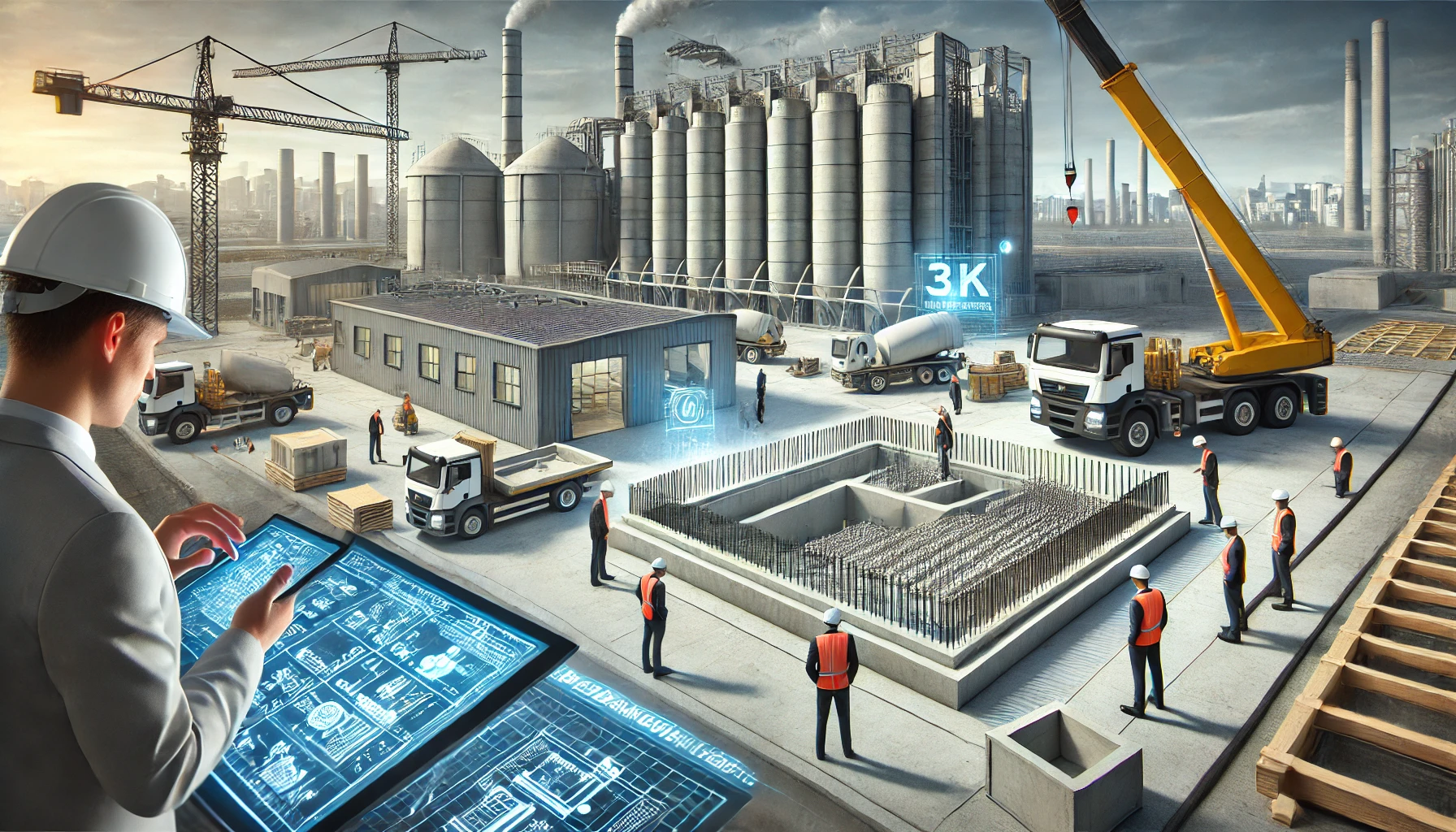
Scan to BIM Services: 3D Laser Scanning for Accurate Modeling
Introduction
Scan to BIM (Building Information Modeling) is a cutting-edge process that converts real-world structures into detailed 3D digital models. This technology is transforming the architecture, engineering, and construction (AEC) industry by improving accuracy, reducing project timelines, and streamlining workflows.
By leveraging laser scanning and photogrammetry, professionals can capture the existing conditions of a building or infrastructure and convert the data into a BIM model. This process is particularly useful for renovations, facility management, and clash detection in construction projects. With Scan to BIM, AEC professionals can work with precise data, reducing costly rework and enhancing project efficiency.
Understanding Scan to BIM Technology
Scan to BIM technology revolves around using advanced 3D laser scanning or photogrammetry to capture detailed spatial data. This raw data, known as a point cloud, is then processed into a structured BIM model.
The key technologies involved in Scan to BIM include:
- Laser Scanning: High-resolution laser scanners capture millions of data points to create an accurate digital representation of a structure.
- Photogrammetry: High-quality images are stitched together to generate a 3D model.
- Point Cloud Processing: The raw data is cleaned, aligned, and structured before being imported into BIM software like Autodesk Revit.
The final BIM model enables designers, engineers, and project managers to make informed decisions based on real-world data.
Benefits of Scan to BIM for the AEC Industry
- Unmatched Accuracy: Traditional surveying methods can lead to discrepancies, but Scan to BIM ensures high precision by capturing existing conditions in detail.
- Time and Cost Savings: By eliminating manual measurements and reducing errors, Scan to BIM minimizes delays and unnecessary expenses.
- Better Project Collaboration: BIM models allow teams to share accurate data, improving coordination between architects, engineers, and contractors.
- Enhanced Facility Management: Building owners can use BIM models for maintenance, space planning, and renovations.
- Risk Mitigation: Detecting clashes early in the design phase prevents costly mistakes during construction.
The adoption of Scan to BIM services is rapidly growing, as companies recognize the value of having accurate digital representations of physical spaces.
Applications of Scan to BIM
Scan to BIM is widely used across various sectors within the AEC industry. Below are some of the most common applications:
Historical Building Restoration
Preserving historical landmarks requires extreme precision, as many old structures lack digital blueprints. Scan to BIM allows conservationists to capture intricate details and create digital records, aiding in restoration and preservation efforts.
Facility Management and Maintenance
Building owners and facility managers use Scan to BIM models for efficient space planning, asset management, and maintenance scheduling. The digital representation helps in tracking infrastructure changes over time.
Clash Detection and Risk Mitigation in Construction
Construction projects often encounter conflicts between different building systems, such as mechanical, electrical, and plumbing (MEP). Scan to BIM helps detect and resolve these clashes before construction begins, preventing costly rework.
Scan to BIM Workflow – How It Works
The Scan to BIM process involves several steps to ensure accuracy and efficiency:
Step 1: Capturing Existing Conditions Using 3D Scanning
Laser scanners or drones equipped with photogrammetry technology capture high-resolution data points from the building or site. This raw data, known as a point cloud, represents the precise physical dimensions of the structure.
Step 2: Processing and Cleaning Scan Data
The collected point cloud data often contains noise or unnecessary elements. Specialized software processes and cleans the data to enhance clarity and usability.
Step 3: Converting Point Cloud Data into BIM Models
Using software like Autodesk Revit, the refined point cloud data is converted into a structured BIM model. This step involves modeling architectural, structural, and MEP elements based on the scanned information.
Step 4: Quality Control and Final Model Delivery
Before finalizing the BIM model, quality checks are performed to ensure accuracy. The final deliverable is a detailed, data-rich model that can be integrated into various construction and renovation workflows.
Tools and Software Used in Scan to BIM
To successfully implement Scan to BIM, professionals rely on a combination of hardware and software tools.
Popular Laser Scanning Devices
- Leica BLK360: A compact, high-precision laser scanner commonly used for indoor and outdoor scanning.
- Faro Focus 3D: A widely adopted scanner that offers excellent speed and accuracy for large-scale projects.
- Trimble X7: An advanced scanning system with automatic calibration and self-leveling capabilities.
Leading Scan to BIM Software
- Autodesk Revit: One of the most popular BIM platforms used for converting point cloud data into intelligent models.
- AutoCAD: Helps in creating 2D representations from scanned data before integrating them into BIM workflows.
- Navisworks: Used for model coordination, clash detection, and visualization in large-scale projects.
AI and Automation in Scan to BIM Technology
Artificial intelligence (AI) is revolutionizing Scan to BIM by automating data processing and improving model generation efficiency. Machine learning algorithms help in identifying patterns and structuring scan data into usable BIM models more quickly than traditional methods.
Choosing the Right Scan to BIM Service Provider
Selecting the best Scan to BIM service provider is essential to ensure project success. Here are some key factors to consider:
Factors to Consider When Outsourcing Scan to BIM Services
- Experience and Expertise: Look for companies with a strong portfolio in Scan to BIM projects across different industries.
- Technology and Tools Used: A good service provider should use advanced laser scanning devices and BIM software like Autodesk Revit and Navisworks.
- Accuracy and Quality Standards: Verify if the provider follows industry standards such as the Level of Development (LOD) framework to ensure model precision.
- Turnaround Time: The provider should have efficient workflows to deliver high-quality BIM models within a reasonable timeframe.
- Client Reviews and Testimonials: Check customer feedback to assess the reliability and professionalism of the service provider.
Certifications and Industry Standards to Look For
Reputable Scan to BIM service providers should adhere to industry standards such as:
- ISO 19650: International standard for BIM processes and data management.
- Level of Development (LOD) 100-500: Defines the level of detail and reliability of BIM models.
- PAS 1192-2: Standard for BIM execution planning and data exchange.
Common Mistakes to Avoid When Hiring a Service Provider
- Choosing a provider with outdated technology.
- Not verifying past project experience.
- Ignoring quality control measures.
- Overlooking data security and confidentiality agreements.
Challenges in Scan to BIM Adoption and How to Overcome Them
Despite its benefits, Scan to BIM adoption comes with challenges. Here are some common obstacles and solutions:
Data Processing Complexities
- Challenge: Large-scale 3D scanning generates massive datasets that require high computational power for processing.
- Solution: Using cloud-based BIM platforms and AI-driven automation can help streamline data processing.
Integration with Existing BIM Workflows
- Challenge: Some AEC firms struggle to integrate scan data into their current BIM software and workflows.
- Solution: Proper training and the use of compatible software tools, such as Autodesk Revit, can ease the transition.
Cost Considerations and ROI Calculation
- Challenge: The initial investment in laser scanning equipment and software can be high.
- Solution: Outsourcing Scan to BIM services to experienced providers can reduce upfront costs and improve ROI.
Case Studies – Real-Life Applications of Scan to BIM
Several industries have successfully used Scan to BIM to improve project outcomes. Here are some notable examples:
Successful Renovation Projects Using Scan to BIM
A major hotel chain needed to renovate its 50-year-old building but lacked accurate blueprints. Using 3D laser scanning, they created an as-built BIM model, reducing rework costs and improving project efficiency.
Infrastructure Projects Improved with 3D Laser Scanning
A railway infrastructure company used Scan to BIM to map tunnels and bridges before expansion work. This ensured structural stability and allowed engineers to plan modifications with high accuracy.
How Scan to BIM Helped Reduce Errors in Construction
A commercial building project detected MEP clashes early in the design phase using Scan to BIM. This prevented costly on-site conflicts and minimized delays.
Future Trends in Scan to BIM Technology
The Scan to BIM industry is rapidly evolving with advancements in AI, automation, and cloud-based collaboration. Here are some future trends to watch:
AI and Automation in Scan Data Processing
Artificial intelligence is enhancing Scan to BIM by automating point cloud processing and model generation. AI-driven algorithms can quickly classify scanned data, reducing manual effort and improving efficiency.
Cloud-Based Collaboration for Scan to BIM Projects
Cloud-based BIM platforms, such as Autodesk BIM 360, enable real-time collaboration among architects, engineers, and contractors. These platforms allow teams to access and update BIM models from anywhere, improving project coordination.
Advancements in Real-Time Scanning and Modeling
Emerging technologies like LiDAR-equipped drones and handheld scanners are making real-time scanning more accessible. These tools enable faster data capture and seamless integration with BIM software, reducing project timelines.
Conclusion
Scan to BIM has revolutionized the AEC industry by providing accurate digital representations of existing structures. Whether used for historical preservation, facility management, or clash detection, this technology enhances efficiency, reduces costs, and improves project outcomes.
As AI, cloud computing, and real-time scanning continue to evolve, Scan to BIM will become even more powerful, enabling better collaboration and decision-making. Now is the perfect time for AEC professionals to embrace Scan to BIM technology to stay ahead in the industry.
If you’re looking to implement Scan to BIM in your next project, consider partnering with a trusted service provider to ensure high-quality results.
FAQs (Frequently Asked Questions)
1. What is the cost of Scan to BIM services?
The cost varies based on project size, complexity, and the level of detail required in the BIM model. On average, pricing ranges from a few hundred to several thousand dollars per project.
2. How long does it take to complete a Scan to BIM project?
Project timelines depend on the scope and size of the structure. Small projects may take a few days, while large commercial buildings can take weeks to process and model.
3. What industries benefit the most from Scan to BIM?
Industries such as architecture, engineering, construction, facility management, and historical preservation benefit significantly from Scan to BIM services.
4. Can Scan to BIM be used for residential projects?
Yes, Scan to BIM is useful for home renovations, extensions, and energy efficiency assessments in residential buildings.
5. What’s the difference between point cloud data and BIM models?
Point cloud data consists of raw 3D scanned points, while a BIM model is a structured digital representation of a building that includes geometry, metadata, and functional elements.
Learn about From Foundations to Finishes: The 2025 Blueprint of Vulcan Hats Construction’s Excellence